STL2STEP
Turn STL meshes, hardpoint STL files, OpenSCAD models and photos of flat parts into real STEP solids — true planes, cylinders and spheres, plus fitted NURBS for organic shapes — and jetwash junk out of old STEP files. Portable, offline, runs in your browser.
DownloadSource on GitHub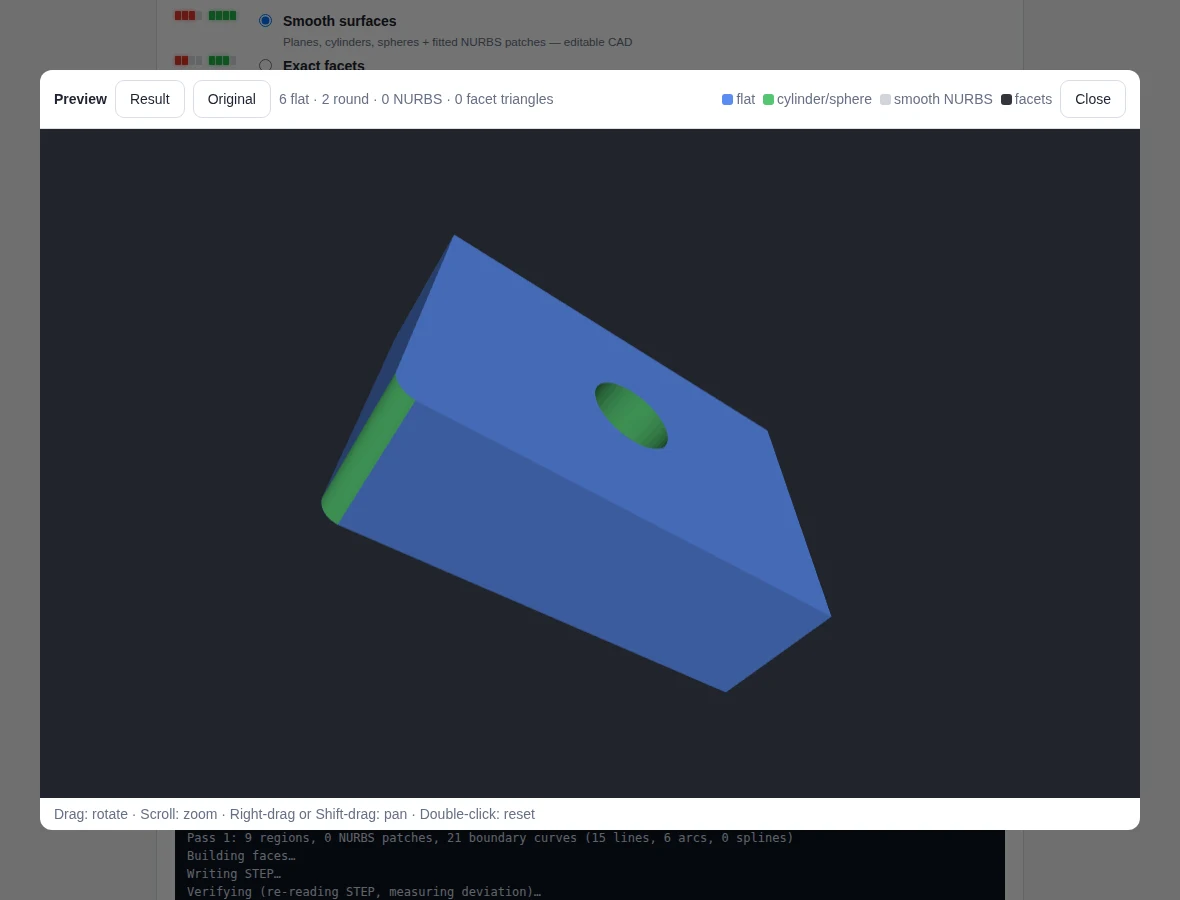
Real CAD surfaces
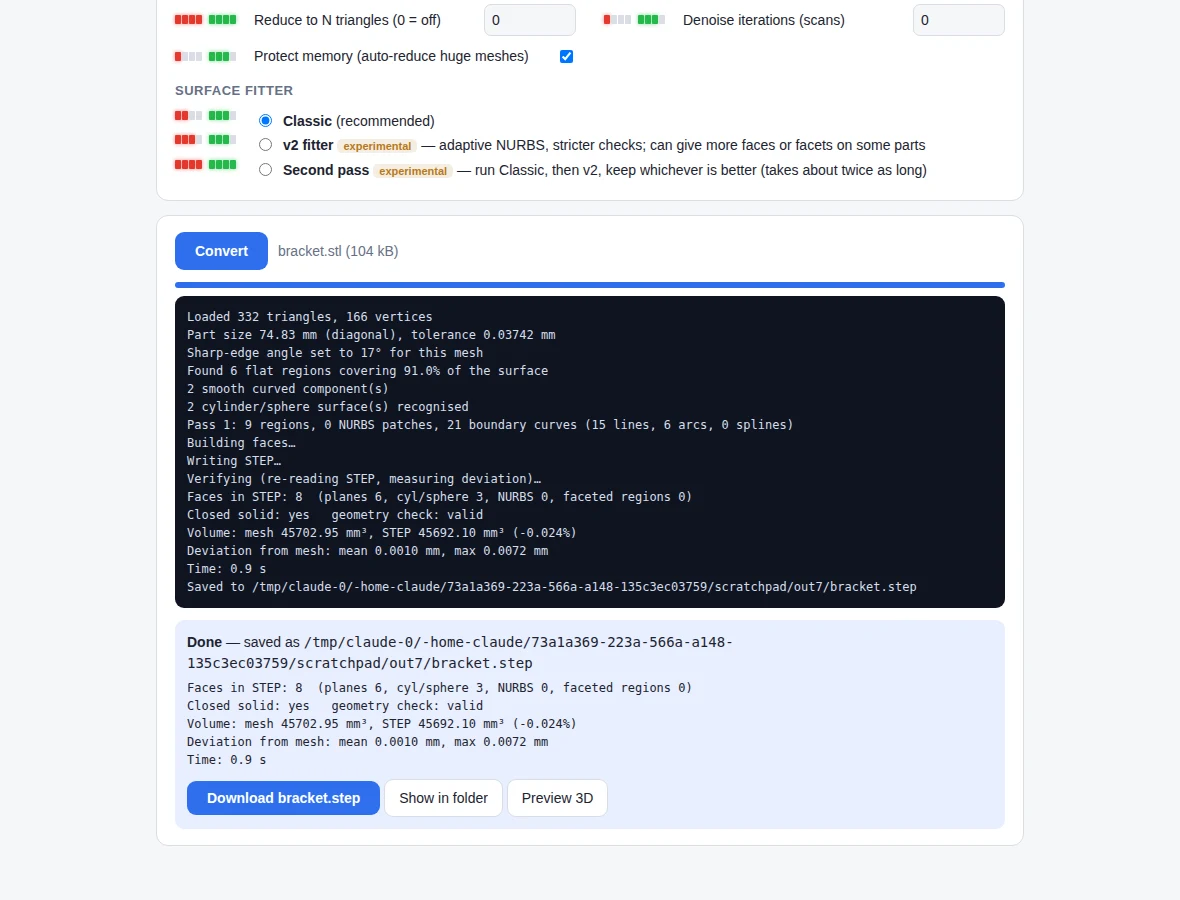
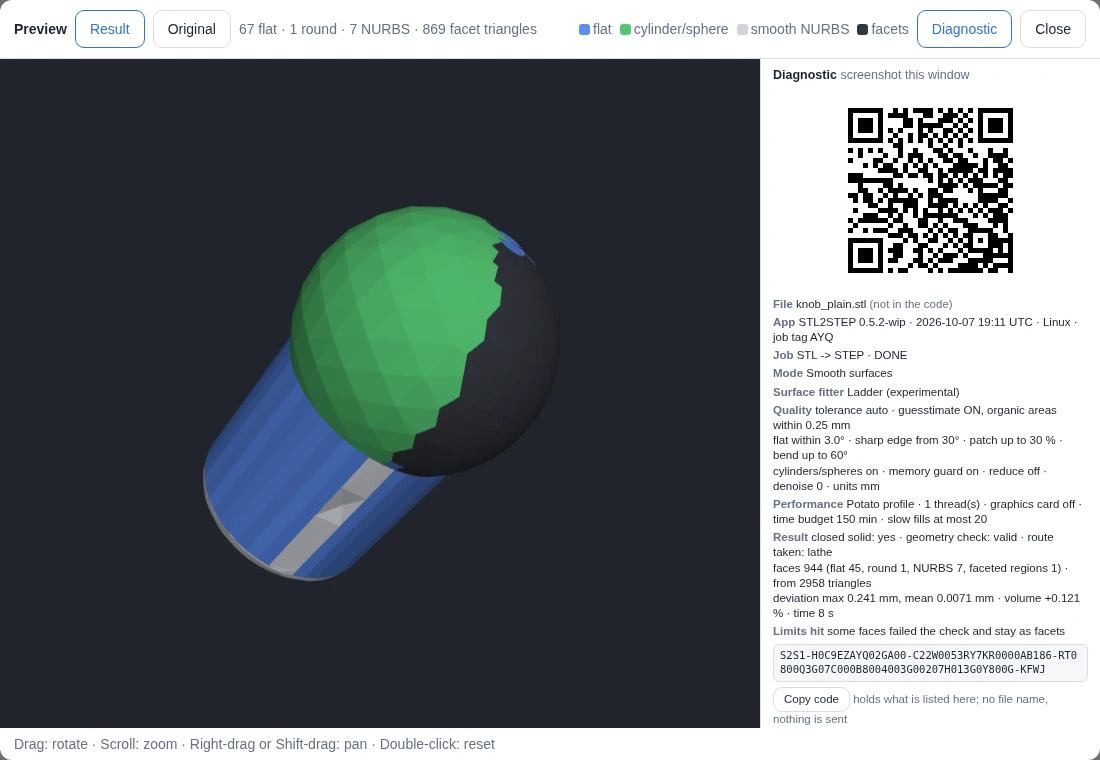
Flat faces become planes, holes and rounds become cylinders and spheres; organic areas become smooth NURBS patches. Anything that can't be fitted stays as exact facets, so the solid is always closed.
Hardpoint STL
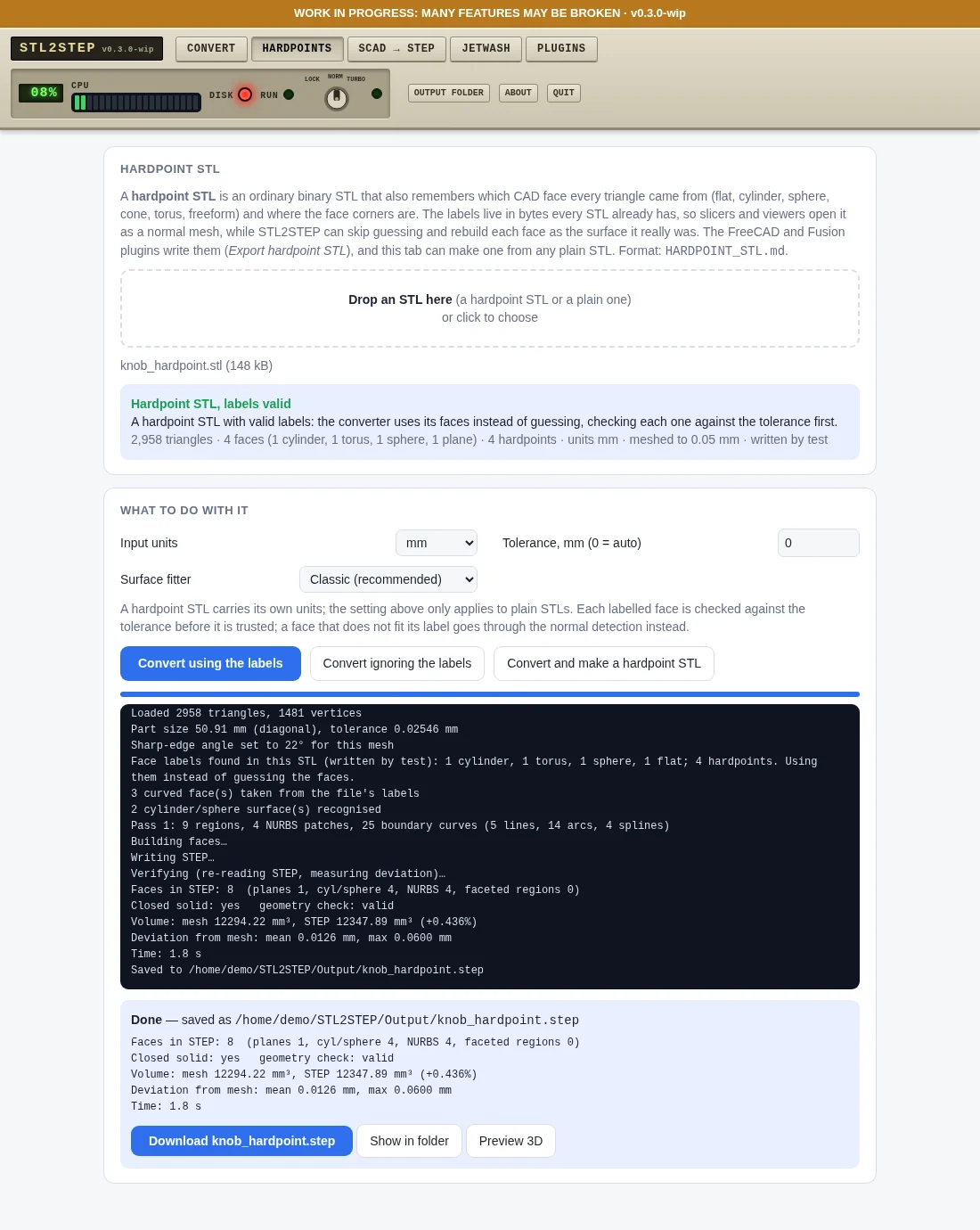
A normal STL that also remembers which CAD face each triangle came from. Open it in the Hardpoints tab and the solid is rebuilt from its real faces instead of guessed: on the test knob 1,103 faces become 8.
OpenSCAD → STEP
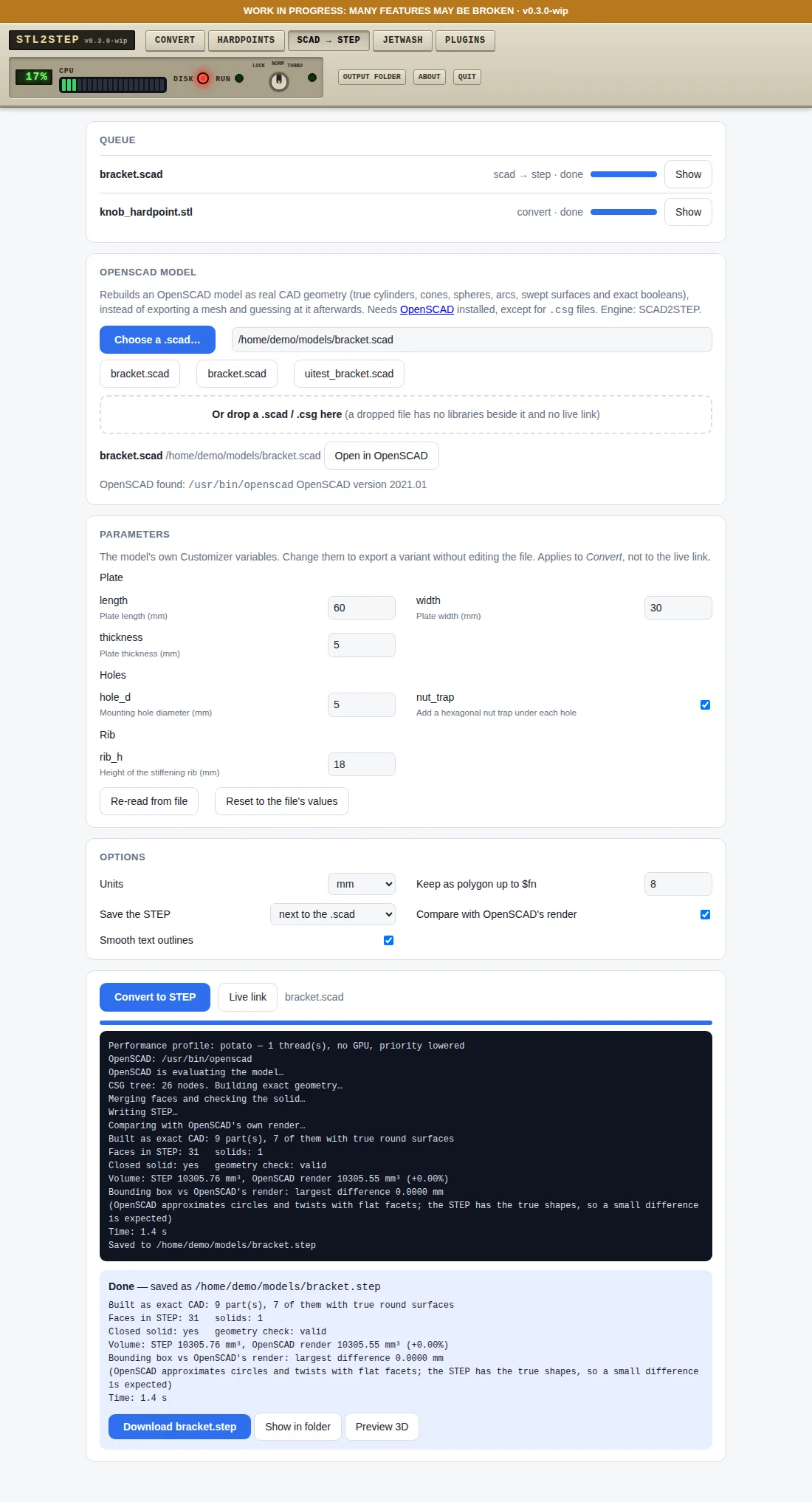
Rebuilds an OpenSCAD model as true CAD geometry (cylinders, spheres, exact booleans) instead of a mesh. Customizer fields, 3D preview and a live link that re-exports when you save. Needs OpenSCAD installed.
Diagnostic code (new)
The preview window shows the job's mode, surface fitter, quality settings and result as a QR code and in plain words. One screenshot is a complete report; stl2step diag reads it back. No file name in it, nothing sent anywhere.
Image → STEP (new, untested on real photos)
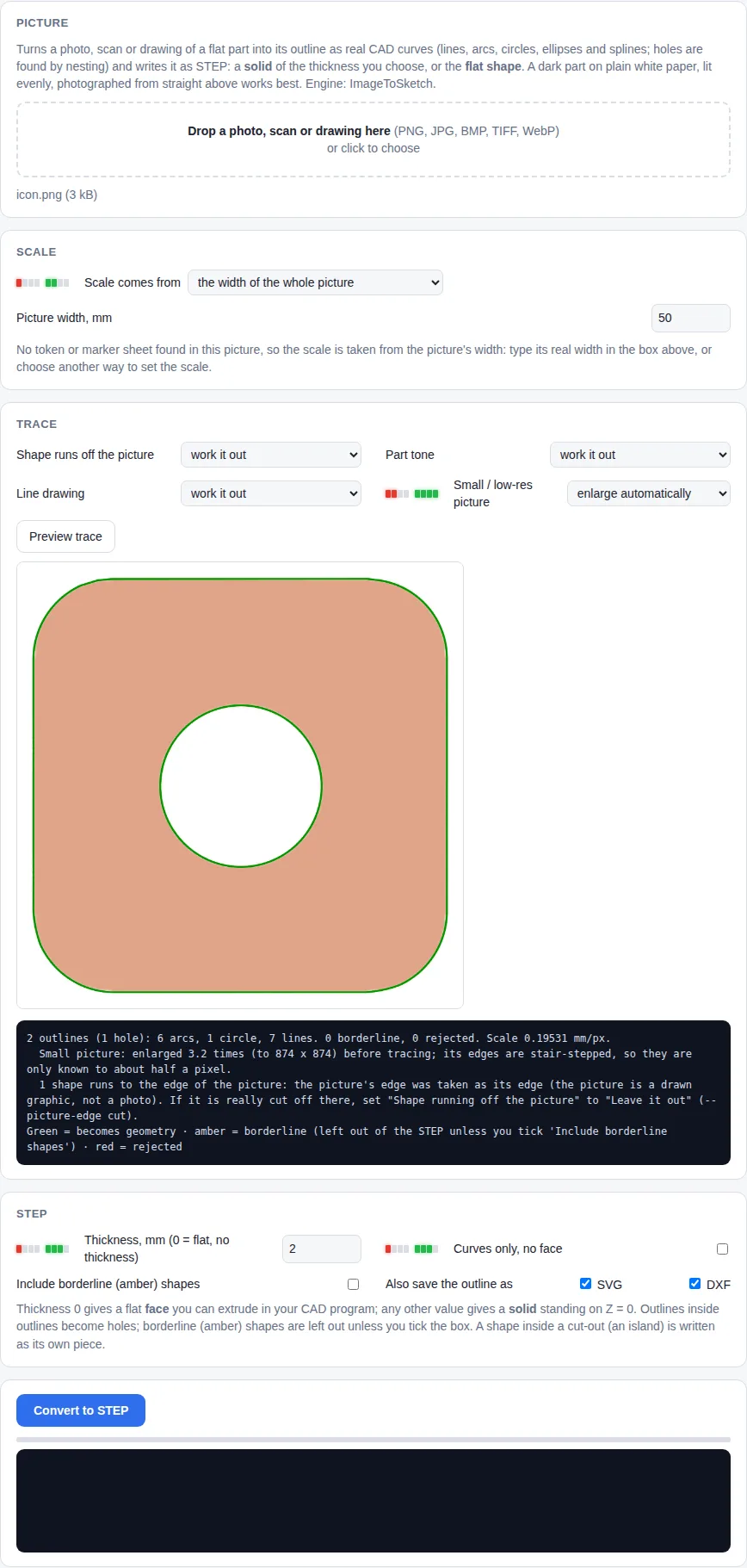
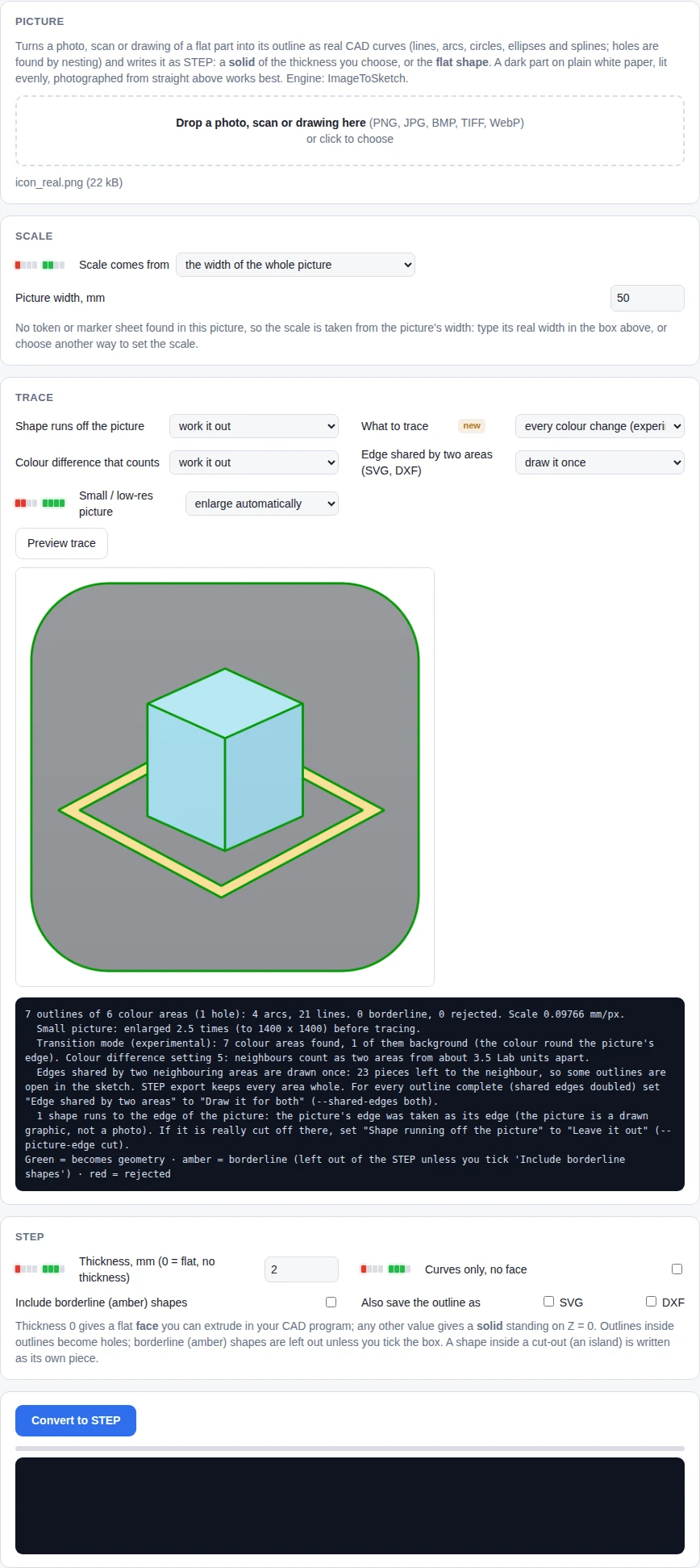
Trace a photo, scan or drawing of a flat part into lines, arcs and splines and save it as STEP, flat or with a thickness. A printable scale token (paper or plastic) sets the scale, straightens a tilted photo and takes the part's height out of it. So far measured on simulated photographs only.
Ladder engine (experimental)
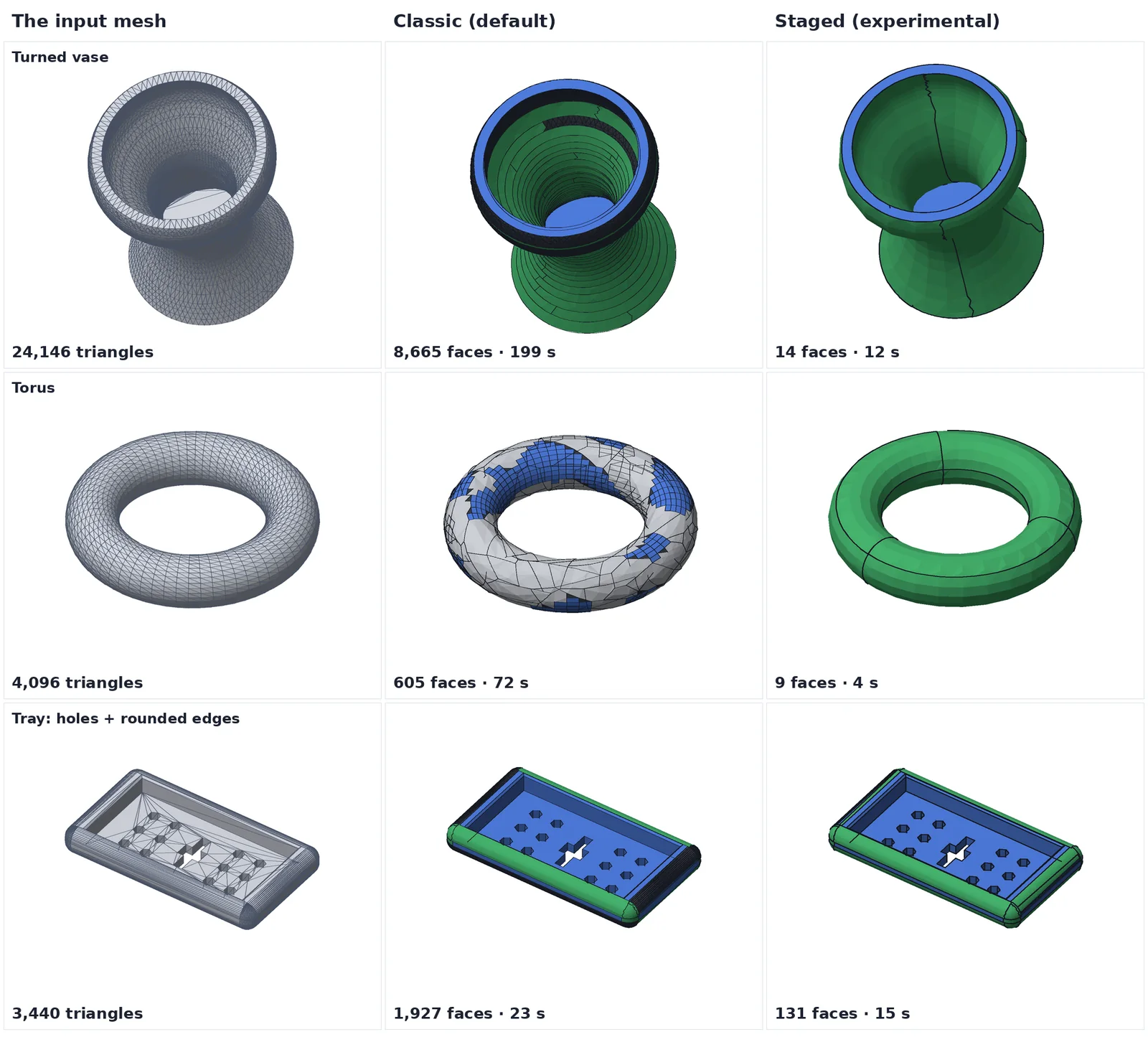
Easy things first: the mesh is looked at for a few milliseconds and routed as prismatic, lathe, organic or mixed; exact shapes are claimed before anything slow runs and problem areas are guesstimated or kept as facets. A 24k-triangle vase went from 264 s and 8,980 faces to 8 s and 14 faces on the test machine. Classic stays the default.
Staged engine (experimental)
An opt-in fitter that finds lathe and extruded shapes first, so turned and round parts come out as a handful of exact faces instead of thousands. Classic stays the default.
Jetwash
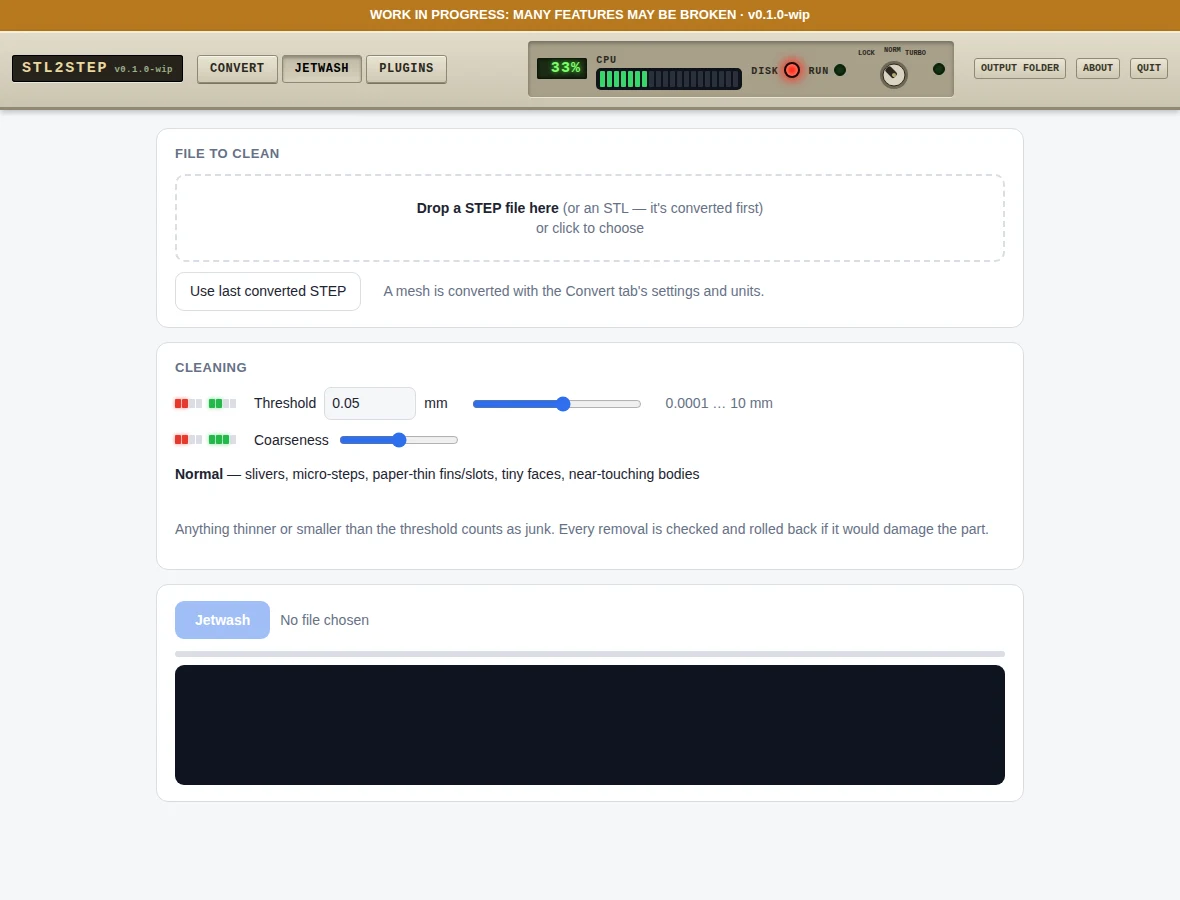
Removes slivers, 0.0001 mm steps, thin fins, specks and tiny holes from STEP files, with a threshold and coarseness slider.
Portable & private
One folder with its own Python. Nothing installed system-wide, nothing uploaded. Mac, Windows, Linux.
FreeCAD & Fusion
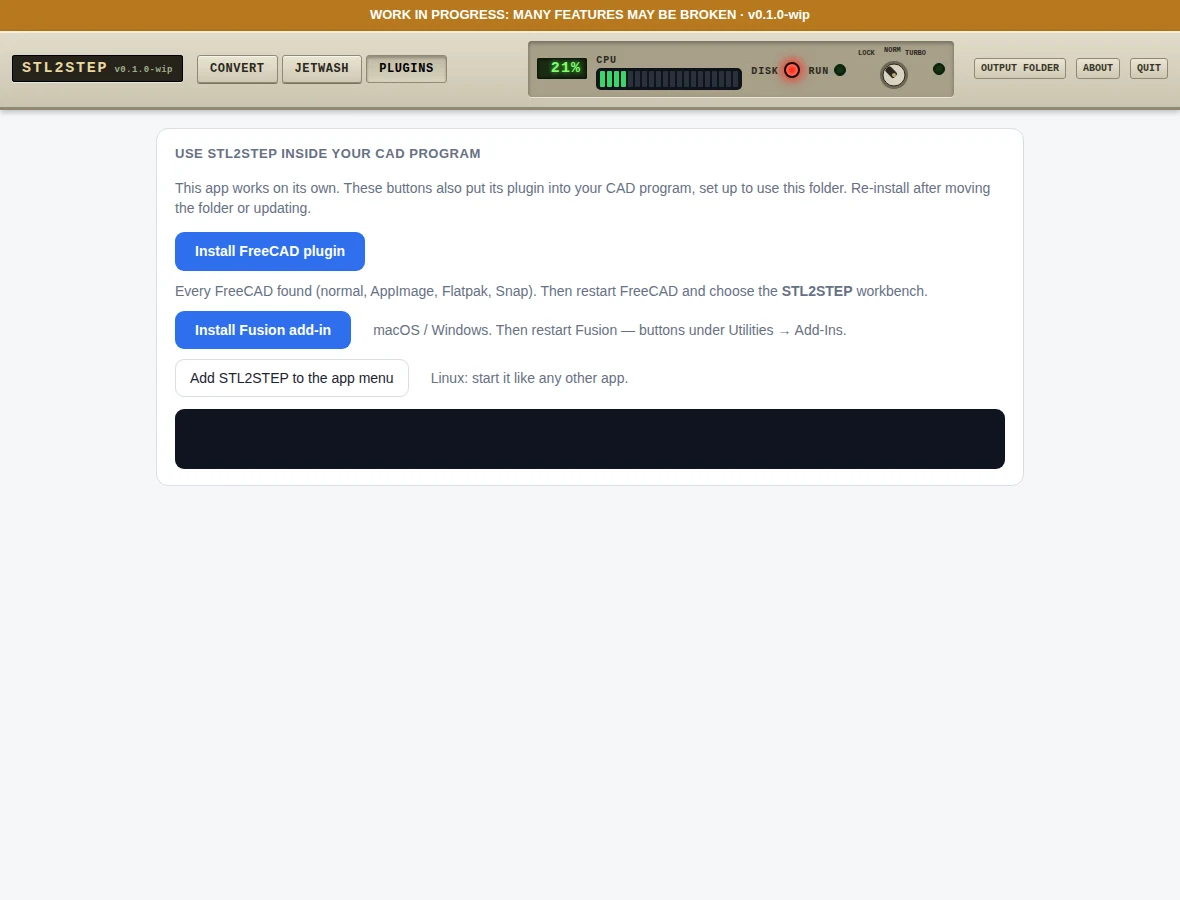
Optional workbench and add-in, installed with one click from the Plugins tab.
Research notes
Why is turning a mesh into STEP so slow, and why do the results have so many faces? We published a plain-English summary, with pictures, of a research report on exactly that. The short answer: the slow fallbacks are the real cost, so claim the exact shapes (flats, holes, lathe shapes, extrusions) first and only fit the organic rest. Parts of it are already in the app as the experimental Staged and Ladder engines; the rest is a plan, and the open questions are listed so others can help. A second round covers cheap machine vision (mostly: don't render, count normals), how the techniques combine, and easy-things-first with guesstimated leftovers.
Read the research notesFull report with sourcesWritten with AI assistance and not independently verified; check the sources.
Install
- Download the zip from Releases (or clone the repo) and unzip it anywhere.
- Double-click
STL2STEP (Mac).command,STL2STEP (Windows).batorstl2step-linux.sh. The first start downloads a private Python and libraries (a few minutes). - Your browser opens the app. Drop a mesh, choose the units, press Convert.
Screens